> For the complete documentation index, see [llms.txt](https://experience.wallex.global/neobanking/llms.txt). Markdown versions of documentation pages are available by appending `.md` to page URLs; this page is available as [Markdown](https://experience.wallex.global/neobanking/wallex-card.md).
# Wallex Card
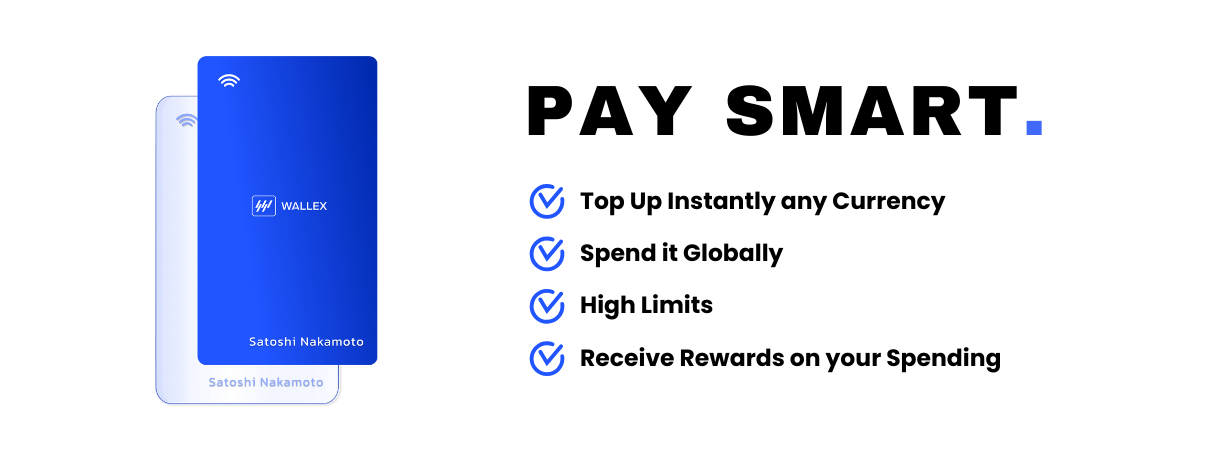
Swipe and spend your fiat and crypto at any point of sale or online.
Experience the versatility of the Wallex prepaid payment card, perfectly tailored to complement your Wallex Multi-Currency Account. Load funds onto your [Wallex Card](https://wallex.global/card) from either your fiat or crypto accounts on the Platform, enabling you to make transactions effortlessly across the world.
***
Your Wallex Card revolutionizes the landscape by automatically converting your cryptocurrencies to fiat at the best rates, enabling you to effortlessly spend both cryptocurrencies and traditional fiat currency in real-world scenarios. Whether you're covering a meal or swiping through the subway turnstile, this capability is truly transformative.
#### [Get Started >](https://app.wallex.global/auth/sign-up)
***
### Benefits
* **Accessibility:** Utilize **150+ currencies** at current interbank rates across over 100 million locations globally.
* **Earn Rewards:** **EURSTback™** rewards offer up to a **5% return** in EURST for all your online and offline purchases.
* **High Limits, Low Fees:** Up to **5,600.00 €** monthly ATM withdrawals and no monthly maintenance charge.
* **Secure:** **Protect your Wallex** Card on-the-go with a few taps: freeze it if lost, and change the PIN for security.
***
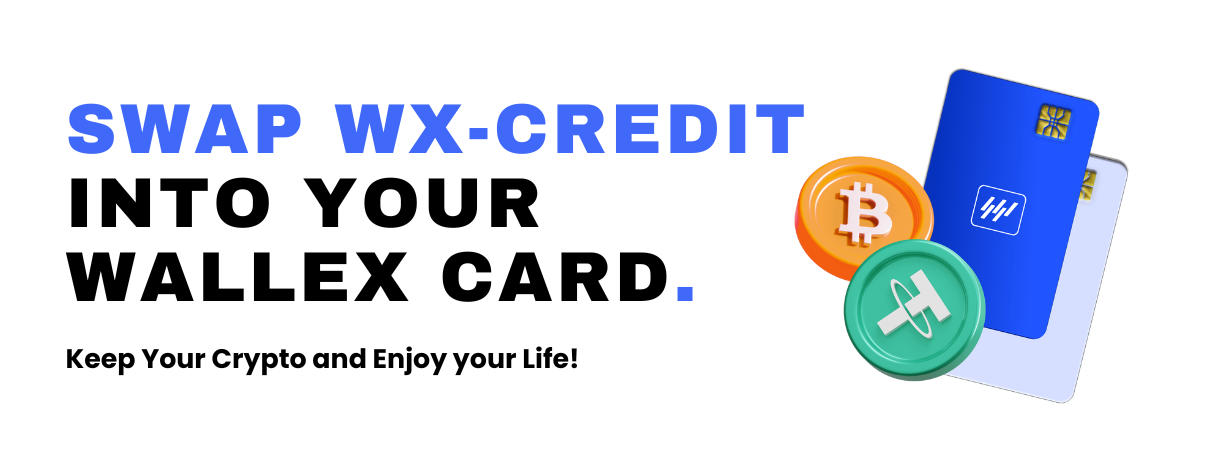
Use your WX- Credit to make purchases through your card , your cryptocurrency stays safe and untouched. In other words, it won’t be sold off, allowing you to benefit from any potential increase in its value.
#### [**Learn More >**](https://wallex.global/credit)
***
### Frequently Asked Questions
How do I Apply for my Wallex Card?
Once you have [Verified](/neobanking/verification.md) your account with us, you can apply for your card is 3 quick steps:
* Navigate from your Dashboard to the **\[Cards]** section.
* Click on the **\[Create new Card]** button.
* Provide all **required information** and select an account for payment.
* Upon successful completion, you will **receive a confirmation** for your order.
How to Top-Up my Wallex Card?
Effortlessly add funds on your Wallex Card via the designated **\[Top-Up]** feature within your **Card Menu**. Maximize the utility of your Fiat and Crypto Wallets by leveraging them to facilitate card top-ups seamlessly. This streamlined process empowers you to conveniently manage your card balance with ease and efficiency.
Is the Wallex Card a Debit or a Credit Card?
The Wallex Card works as a **Prepaid Debit Card** as you operate with your own funds, already available in your Fiat and Crypto Wallets.
What are the Fees and Limits for my Wallex Card?
Please note that detailed information about our fees can be found on our website. You can access this information by visiting the following [link](https://wallex.global/fees).
{% hint style="info" %}
Interested in the [Card Ordering](/neobanking/wallex-card/card-ordering.md) Process?
{% endhint %}