> For the complete documentation index, see [llms.txt](https://experience.wallex.global/wallex/llms.txt). Markdown versions of documentation pages are available by appending `.md` to page URLs; this page is available as [Markdown](https://experience.wallex.global/wallex/wallex-apps.md).
# Wallex Apps
Explore our suite of specialized Apps designed for each unique product.
### Wallex Apps for iOS and Android
{% tabs %}
{% tab title="Neobanking" %}
## Neobanking.
***
Neobanking App Overview
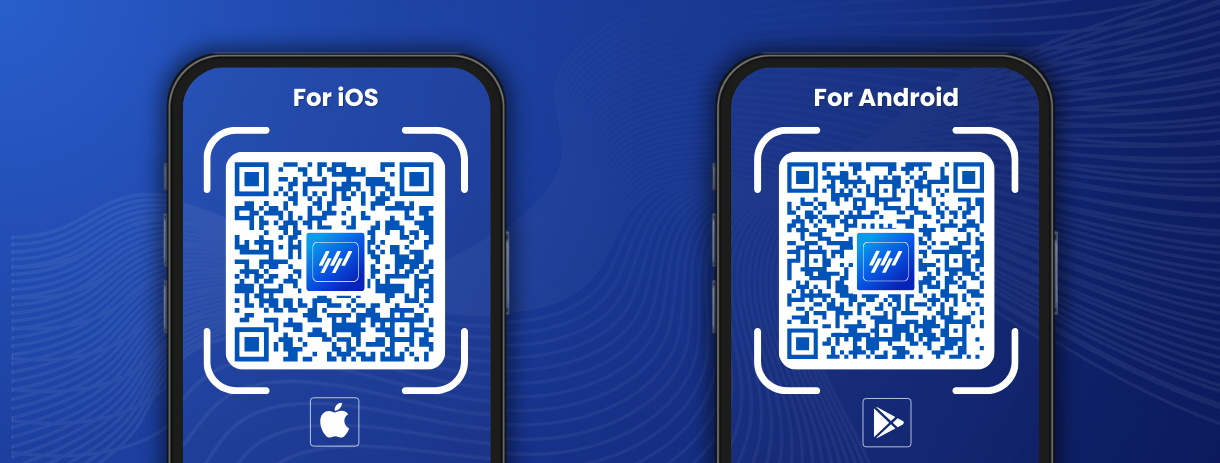
### Unlock the world of Wallex Neobanking App with a quick QR Code scan.
***
**Configure your application in just a few simple steps:**
1. **Scan** the QR Code (iOS or Android).
2. **Download** the App to your device.
3. **Install** the App.
4. **Log in** to your profile or complete the Sign-Up process.
Download Now: iOS and Android
{% hint style="success" %}
Your setup is completed!
{% endhint %}
{% endtab %}
{% tab title="Custody Pro" %}
## Custody Pro.
***
Custody Pro App Overview
### Unlock the world of Wallex Custody Pro App with a quick QR Code scan.
***
**Configure your application in just a few simple steps:**
1. **Scan** the QR Code (iOS or Android).
2. **Download** the App to your device.
3. **Install** the App.
4. **Log in** to your profile or complete the Sign-Up process.
Download Now: iOS and Android
{% hint style="success" %}
Your setup is completed!
{% endhint %}
{% endtab %}
{% tab title="Smart Custody" %}
## Smart Custody.
***
Smart Custody App Overview
### Unlock the world of Wallex Smart Custody App with a quick QR Code scan.
***
**Configure your application in just a few simple steps:**
1. **Scan** the QR Code (iOS or Android).
2. **Download** the App to your device.
3. **Install** the App.
4. **Log in** to your profile or complete the Sign-Up process.
Download Now: iOS and Android
{% hint style="success" %}
Your setup is completed!
{% endhint %}
{% endtab %}
{% tab title="Self Custody" %}
## Self Custody.
***
Self Custody App Overview
### Unlock the world of Wallex Self Custody App with a quick QR Code scan.
***
**Configure your application in just a few simple steps:**
1. **Scan** the QR Code (iOS or Android).
2. **Download** the App to your device.
3. **Install** the App.
4. **Log in** to your profile or complete the Sign-Up process.
Download Now: iOS and Android
{% hint style="success" %}
Your setup is completed!
{% endhint %}
{% endtab %}
{% tab title="Tips" %}
#### For installation issues:
1. Check device compatibility.
2. Ensure sufficient storage space.
3. Clear cache and retry installation.
#### For updating:
1. Navigate to the App Store (iOS) or Google Play (Android).
2. Find our App.
3. Click "Update" to ensure the latest version.
4. Clear cache if facing performance issues.
{% endtab %}
{% endtabs %}
{% hint style="info" %}
Need assistance? Contact our Experts [here](/wallex/contact-our-experts.md).
{% endhint %}