> For the complete documentation index, see [llms.txt](https://experience.wallex.global/smart-custody/llms.txt). Markdown versions of documentation pages are available by appending `.md` to page URLs; this page is available as [Markdown](https://experience.wallex.global/smart-custody/wallex-card/card-ordering.md).
# Card Ordering
Apply for your Wallex Card in a few easy steps
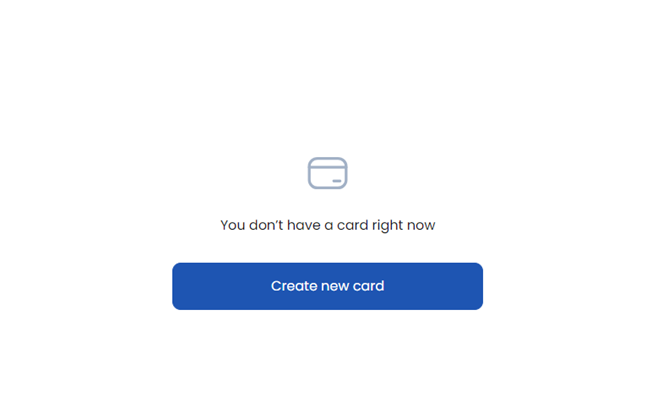
* Go from your dashboard to the "Cards" section
* Click on the " Create new Card" button
* Fill in all the necessary information, and choose an account to pay for the order.
* If successful you will see the following message:
.png)
.png)